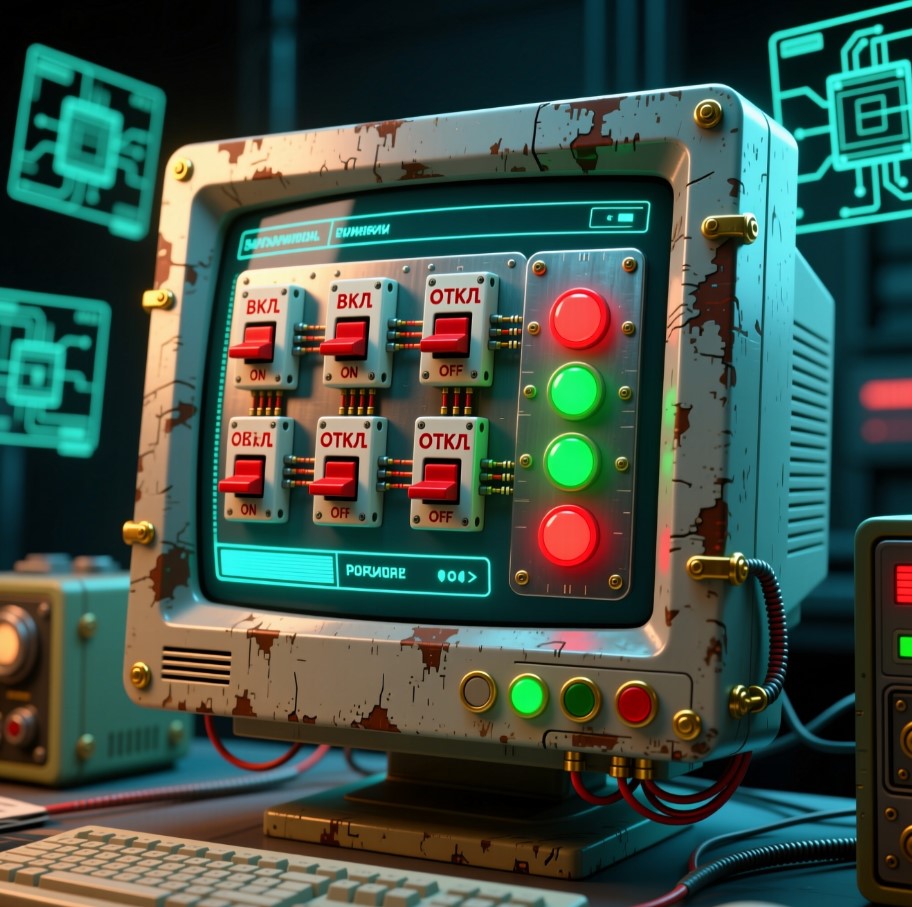
Немного кнопочек стилизованных на сайт
✨ Красивые CSS Кнопки для Вашего Блога
Коллекция современных кнопок с потрясающими эффектами наведения. Просто скопируйте CSS и используйте в своем блоге!
	<button class="btn-minimal">ЗАБРОНИРОВАТЬ КОНСУЛЬТАЦИЮ</button>
	<br>	<br>
<style>
.btn-minimal {
  background: none;
  border: 1px solid #00ffcc;
  color: #00ffcc;
  padding: 8px 16px;
  font-family: 'Courier New', monospace;
  cursor: pointer;
  transition: all 0.3s ease;
}
.btn-minimal:hover {
  background: rgba(0, 255, 204, 0.1);
  box-shadow: 0 0 10px rgba(0, 255, 204, 0.3);
}
</style>


	<button class="btn-glitch">ЗАБРОНИРОВАТЬ КОНСУЛЬТАЦИЮ</button>
	<br><br>
<style>
.btn-glitch {
  background: #000;
  color: #0f0;
  border: 2px solid #0f0;
  padding: 10px 20px;
  font-family: monospace;
  position: relative;
  overflow: hidden;
  cursor: pointer;
}
.btn-glitch:hover {
  animation: glitch 0.3s infinite;
}
@keyframes glitch {
  0% { transform: translateX(0); }
  20% { transform: translateX(-2px); }
  40% { transform: translateX(2px); }
  60% { transform: translateX(-2px); }
  80% { transform: translateX(2px); }
  100% { transform: translateX(0); }
}
</style>

	<button class="btn-steampunk">ЗАБРОНИРОВАТЬ КОНСУЛЬТАЦИЮ</button>
<br><br>
<style>
.btn-steampunk {
  background: linear-gradient(to bottom, #8B4513, #5D2906);
  color: #F5DEB3;
  border: 3px solid #A0522D;
  border-radius: 8px;
  padding: 12px 24px;
  font-family: Georgia, serif;
  font-weight: bold;
  text-shadow: 1px 1px 2px #000;
  box-shadow: inset 0 0 10px rgba(0,0,0,0.5), 0 4px 6px rgba(0,0,0,0.6);
  cursor: pointer;
  position: relative;
}
.btn-steampunk::before {
  content: "⚙️";
  position: absolute;
  top: -8px;
  right: -8px;
  font-size: 14px;
}
</style>

	<button class="btn-led" id="ledBtn">ЗАБРОНИРОВАТЬ КОНСУЛЬТАЦИЮ</button>
	<br><br>
<script>
  document.getElementById('ledBtn').addEventListener('click', function() {
    this.classList.toggle('active');
    this.textContent = this.classList.contains('active') ? '● ONLINE' : '● OFFLINE';
  });
</script>

<style>
.btn-led {
  background: #333;
  color: #ff5555;
  border: 1px solid #555;
  padding: 6px 12px;
  font-family: monospace;
  cursor: pointer;
}
.btn-led.active {
  color: #55ff55;
}
</style>

	<button class="btn-liquid">ЗАБРОНИРОВАТЬ КОНСУЛЬТАЦИЮ</button>
	<br><br>
<style>
.btn-liquid {
  background: linear-gradient(135deg, #00c6ff, #0072ff);
  border: none;
  color: white;
  padding: 10px 20px;
  font-weight: bold;
  border-radius: 30px;
  cursor: pointer;
  transition: transform 0.2s;
}
.btn-liquid:hover {
  transform: scale(1.05);
  box-shadow: 0 0 15px rgba(0, 114, 255, 0.6);
}
</style>
<style>
/* Кнопка 1: Пульсирующий градиент */
.btn-gradient-pulse {
background: linear-gradient(45deg, #ff6b6b, #4ecdc4);
border: none;
color: white;
padding: 15px 30px;
font-size: 16px;
border-radius: 50px;
cursor: pointer;
transition: all 0.3s ease;
animation: pulse 2s infinite;
box-shadow: 0 4px 15px rgba(255, 107, 107, 0.4);
}
.btn-gradient-pulse:hover {
transform: scale(1.05);
box-shadow: 0 6px 20px rgba(255, 107, 107, 0.6);
animation: none;
}
/* Кнопка 2: 3D эффект с тенью */
.btn-3d {
background: #6c5ce7;
color: white;
border: none;
padding: 15px 30px;
font-size: 16px;
border-radius: 12px;
cursor: pointer;
transition: all 0.2s ease;
box-shadow: 0 6px 0 #5d4ae0, 0 10px 20px rgba(0,0,0,0.3);
position: relative;
}
.btn-3d:hover {
transform: translateY(2px);
box-shadow: 0 4px 0 #5d4ae0, 0 8px 15px rgba(0,0,0,0.3);
}
.btn-3d:active {
transform: translateY(6px);
box-shadow: 0 0 0 #5d4ae0, 0 4px 10px rgba(0,0,0,0.3);
}
/* Кнопка 3: Слайдер подчеркивания */
.btn-underline {
position: relative;
background: transparent;
color: #ff9ff3;
border: 2px solid #ff9ff3;
padding: 15px 30px;
font-size: 16px;
border-radius: 50px;
cursor: pointer;
overflow: hidden;
transition: all 0.3s ease;
}
.btn-underline::before {
content: '';
position: absolute;
bottom: 0;
left: 0;
width: 0;
height: 3px;
background: #ff9ff3;
transition: width 0.3s ease;
}
.btn-underline:hover {
background: rgba(255, 159, 243, 0.1);
transform: translateY(-2px);
}
.btn-underline:hover::before {
width: 100%;
}
/* Кнопка 4: Вращающийся бордер */
.btn-rotate-border {
position: relative;
background: #2c3e50;
color: white;
border: none;
padding: 15px 30px;
font-size: 16px;
border-radius: 50px;
cursor: pointer;
overflow: hidden;
transition: all 0.3s ease;
}
.btn-rotate-border::before {
content: '';
position: absolute;
top: 0;
left: 0;
width: 100%;
height: 100%;
background: linear-gradient(45deg, #e74c3c, #e67e22, #f39c12, #e74c3c);
background-size: 300% 300%;
z-index: -1;
animation: rotateBorder 3s linear infinite;
opacity: 0;
transition: opacity 0.3s ease;
}
.btn-rotate-border:hover::before {
opacity: 1;
}
.btn-rotate-border:hover {
transform: scale(1.05);
color: white;
text-shadow: 0 0 10px rgba(255,255,255,0.8);
}
/* Кнопка 5: Капля воды */
.btn-water {
background: linear-gradient(135deg, #00c9ff, #92fe9d);
color: #2c3e50;
border: none;
padding: 15px 30px;
font-size: 16px;
border-radius: 50px;
cursor: pointer;
position: relative;
overflow: hidden;
transition: all 0.3s ease;
}
.btn-water::before {
content: '';
position: absolute;
top: 50%;
left: 50%;
width: 0;
height: 0;
border-radius: 50%;
background: rgba(255,255,255,0.3);
transform: translate(-50%, -50%);
transition: width 0.6s, height 0.6s;
}
.btn-water:hover::before {
width: 300px;
height: 300px;
}
.btn-water:hover {
color: #2c3e50;
transform: scale(1.05);
}
/* Кнопка 6: Неон */
.btn-neon {
background: transparent;
color: #fff;
border: 2px solid #00ffff;
padding: 15px 30px;
font-size: 16px;
border-radius: 50px;
cursor: pointer;
text-shadow: 0 0 5px #00ffff, 0 0 10px #00ffff, 0 0 20px #00ffff;
box-shadow: 0 0 5px #00ffff, inset 0 0 5px #00ffff;
transition: all 0.3s ease;
position: relative;
overflow: hidden;
}
.btn-neon::before {
content: '';
position: absolute;
top: -2px;
left: -2px;
right: -2px;
bottom: -2px;
background: linear-gradient(45deg, #00ffff, #ff00ff, #00ffff);
z-index: -1;
border-radius: 52px;
opacity: 0;
transition: opacity 0.3s ease;
}
.btn-neon:hover::before {
opacity: 1;
}
.btn-neon:hover {
text-shadow: 0 0 10px #00ffff, 0 0 20px #00ffff, 0 0 40px #00ffff;
box-shadow: 0 0 10px #00ffff, inset 0 0 10px #00ffff;
transform: scale(1.05);
}
/* Анимации */
@keyframes pulse {
0% { box-shadow: 0 0 0 0 rgba(255, 107, 107, 0.7); }
70% { box-shadow: 0 0 0 15px rgba(255, 107, 107, 0); }
100% { box-shadow: 0 0 0 0 rgba(255, 107, 107, 0); }
}
@keyframes rotateBorder {
0% { background-position: 0% 50%; }
50% { background-position: 100% 50%; }
100% { background-position: 0% 50%; }
}
@media (max-width: 768px) {
.header h1 {
font-size: 2rem;
}
.buttons-container {
grid-template-columns: 1fr;
}
.btn-gradient-pulse,
.btn-3d,
.btn-underline,
.btn-rotate-border,
.btn-water,
.btn-neon {
width: 100%;
}
}
</style>
<div class="header">
<h1>✨ Красивые CSS Кнопки для Вашего Блога</h1>
<p>Коллекция современных кнопок с потрясающими эффектами наведения. Просто скопируйте CSS и используйте в своем блоге!</p>
</div>
<div class="buttons-container">
<div class="button-group">
<h3>Пульсирующий Градиент</h3>
<button class="btn-gradient-pulse">Нажми меня</button>
</div>
<div class="button-group">
<h3>3D Эффект</h3>
<button class="btn-3d">Кликни сюда</button>
</div>
<div class="button-group">
<h3>Слайдер Подчеркивания</h3>
<button class="btn-underline">Попробуй меня</button>
</div>
<div class="button-group">
<h3>Вращающийся Бордер</h3>
<button class="btn-rotate-border">Нажми быстро</button>
</div>
<div class="button-group">
<h3>Эффект Капли Воды</h3>
<button class="btn-water">Сделай клик</button>
</div>
<div class="button-group">
<h3>Неоновая Кнопка</h3>
<button class="btn-neon">Свети ярко</button>
</div>
</div>
Комментарии
Пока нет комментариев. Будьте первым!